Tracing Mastra
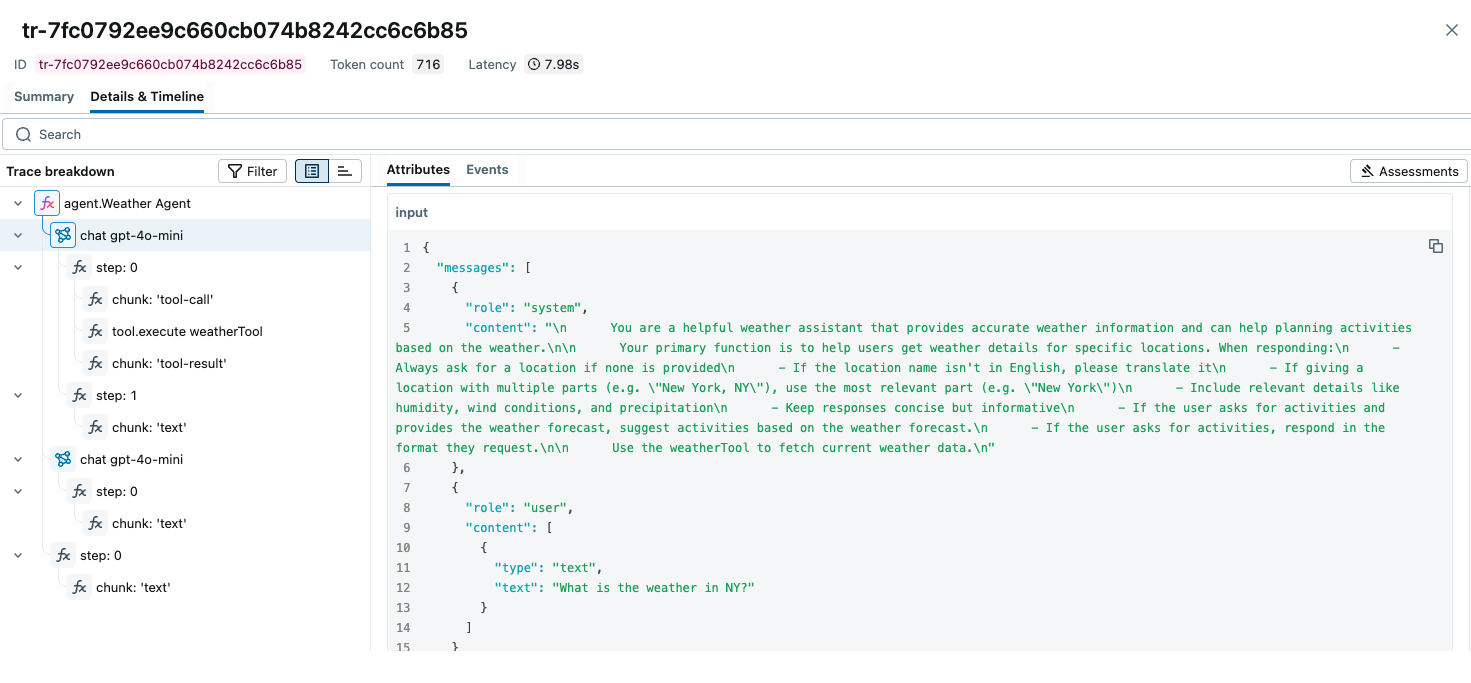
MLflow Tracing 为 Mastra 提供了自动跟踪功能。Mastra 是 Mastra 开发的一个灵活且模块化的 AI 代理框架。MLflow 通过 OpenTelemetry 集成支持对 Mastra 进行跟踪。
第一步:创建一个新的 Mastra 代理
bash
npm create mastra@latest
npm install @mastra/otel-exporter
这将创建一个新的 TypeScript 项目,其中包含一个简单的工具调用代理实现。
步骤 2:启动 MLflow Tracking Server
使用基于 SQL 的后端存储启动 MLflow Tracking Server
bash
mlflow server --backend-store-uri sqlite:///mlflow.db --port 5000
本示例使用 SQLite 作为后端存储。要使用其他类型的 SQL 数据库(如 PostgreSQL、MySQL 和 MSSQL),请按照 后端存储文档 中的说明更改存储 URI。文件型后端存储不支持 OpenTelemetry 摄取。
步骤 3:配置 OpenTelemetry
在您的 Mastra 代理中配置 OpenTelemetry 跟踪器,将跟踪导出到 MLflow 跟踪服务器端点。
打开 src/mastra/index.ts 文件,并在 Mastra 代理实例化中添加 observability 配置。
typescript
import { OtelExporter } from "@mastra/otel-exporter";

export const mastra = new Mastra({
  workflows: { weatherWorkflow },
  ...

  // Add the following observability configuration to enable OpenTelemetry tracing.
  observability: {
    configs: {
      otel: {
        serviceName: "maestra-app",
        exporters: [new OtelExporter({
          provider: {
            custom: {
              // Specify tracking server URI with the `/v1/traces` path.
              endpoint: "https://:5000/v1/traces",
              // Set the MLflow experiment ID in the header.
              headers: { "x-mlflow-experiment-id": "<your-experiment-id>"},
              // MLflow support HTTP/Protobuf protocol.
              protocol: "http/protobuf"
            }
          }
        })]
      }
    }
  },
});
步骤 4:运行代理
使用 npm run dev 命令启动 Mastra 代理。playground URL 将在控制台中显示。
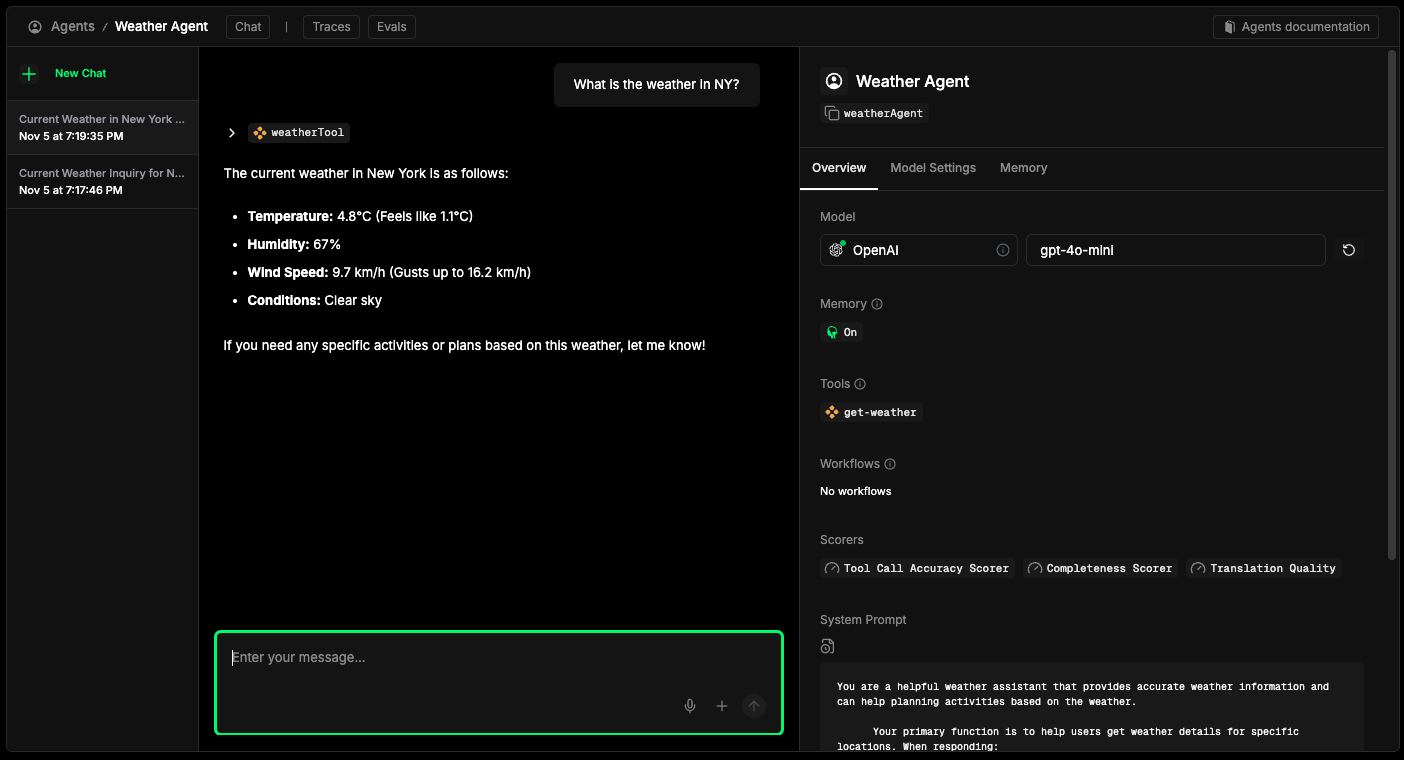
与代理聊天后,在 https://:5000 打开 MLflow UI,然后导航到该实验以查看跟踪,就像此页面顶部的截图一样。